

Download Book Hunter – free book cataloging tool for Mac, Windows & iOS
Overview
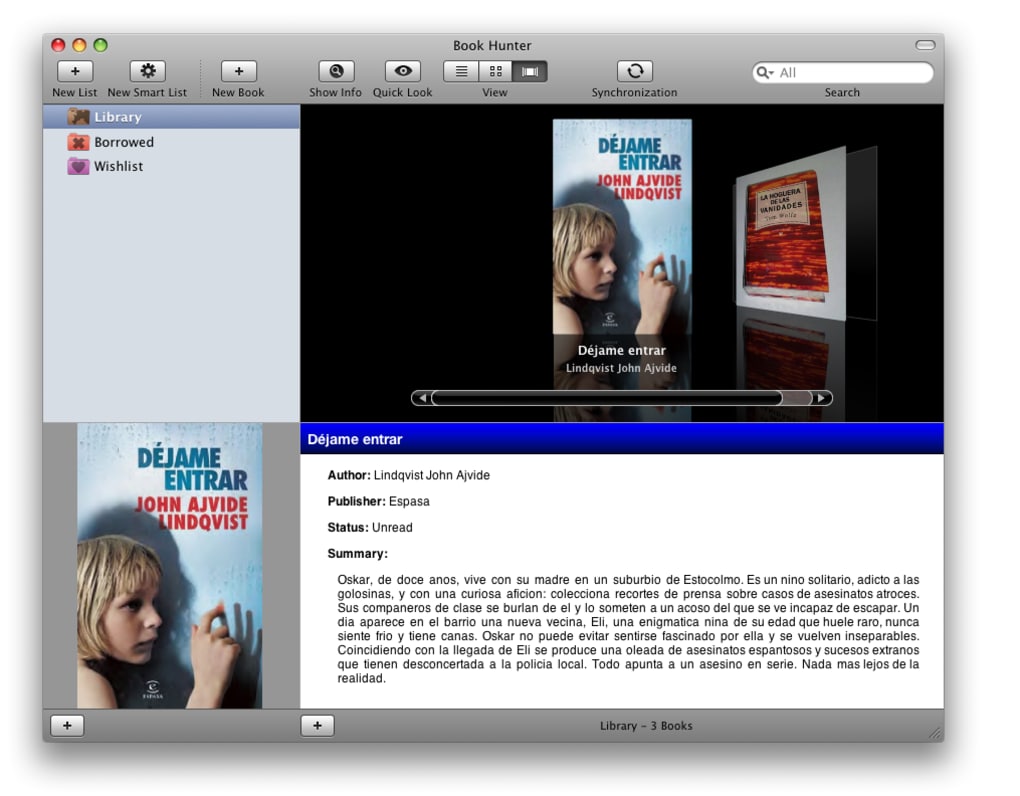
Book Hunter is a smart, lightweight application designed to bring order to the chaos of a growing personal library. Whether you own a handful of paperback classics or an ever‑expanding collection of e‑books, this tool offers a single pane of glass where every title can be cataloged, tagged, and visualized with high‑resolution cover thumbnails. The interface follows the clean, minimalist aesthetic of macOS, but it runs comfortably on Windows, iOS, Android, and even integrates with macOS‑only services like Quick Look, Address Book, and iCal.
What truly sets Book Hunter apart is its dynamic linking engine: once you add a title, the software reaches out to online databases (including Amazon, Google Books, and other public APIs) to pull in bibliographic data, cover art, author bios, and even related video or audio clips. All of this information stays up‑to‑date thanks to an automatic Sparkle‑based updater that refreshes entries whenever new editions appear or when a book’s metadata changes online. Users can build multiple libraries—personal, professional, or genre‑specific—apply custom themes, and create “smart lists” that automatically gather books based on criteria such as unread status, upcoming releases, or wish‑list items.
The result is a fluid, constantly evolving catalog that feels more like a living bookshelf than a static spreadsheet. While power‑users may notice the absence of some advanced reporting features found in higher‑priced competitors, Book Hunter’s blend of simplicity, cross‑platform sync, and intelligent automation makes it an excellent entry point for anyone serious about tracking what they’ve read and what they plan to read next.
Core Features & Smart‑List Engine
- Dynamic online linking – automatic import of titles, cover images, and metadata from Amazon, Google Books, and other public databases.
- Custom libraries and themes – create separate collections for fiction, non‑fiction, textbooks, or any category you prefer.
- Smart‑list folders – self‑updating lists that sort books by read status, wish‑list, future purchases, or custom tags.
- Network sync – keep your catalog consistent across multiple devices using iCloud, Dropbox, or custom WebDAV.
- Quick Look integration – preview cover art and PDF excerpts without leaving the application.
- Address Book & iCal integration – link authors to contacts and schedule reading sessions directly from the app.
- Cross‑platform support – native apps for macOS, Windows, iOS, and Android.
- Sparkle‑based automatic updates – ensure your catalog stays current with the latest editions and pricing.
Each feature has been engineered to reduce the friction of manual data entry, which is the biggest hurdle for many book‑lovers. When you add a new title, Book Hunter instantly queries the selected online sources and fills in fields such as ISBN, publisher, publication date, page count, and a high‑resolution cover thumbnail. If the book already exists in your collection, the smart‑list engine can merge duplicate entries, preserving your custom tags while eliminating clutter.
The custom library system lets you apply distinct visual themes—think dark mode for nighttime reading or a pastel palette for children’s books—so the app can adapt to the mood of each collection. For power users, the network sync feature supports conflict‑resolution rules, allowing you to decide which device’s changes take precedence when edits happen simultaneously. Finally, the integration with macOS’s native Quick Look, Address Book, and iCal means you can glance at a book’s details, add the author’s contact info, or schedule a reading session with a single click, keeping your workflow seamless and your library truly “smart.”
Installation, Compatibility & Getting Started
Installing Book Hunter is intentionally straightforward. On macOS, download the .dmg file, drag the app into your Applications folder, and launch it from Launchpad. Windows users receive an .exe installer that guides them through a typical wizard—accept the license, choose an install directory, and click “Finish.” For mobile devices, the App Store (iOS) and Google Play (Android) host the same core engine wrapped in a touch‑optimized UI. After the first launch, the software prompts you to create a master account (optional) which enables cloud sync across all platforms. The compatible operating systems include macOS 10.12 or later, Windows 7–11, iOS 12+, and Android 7.0+.
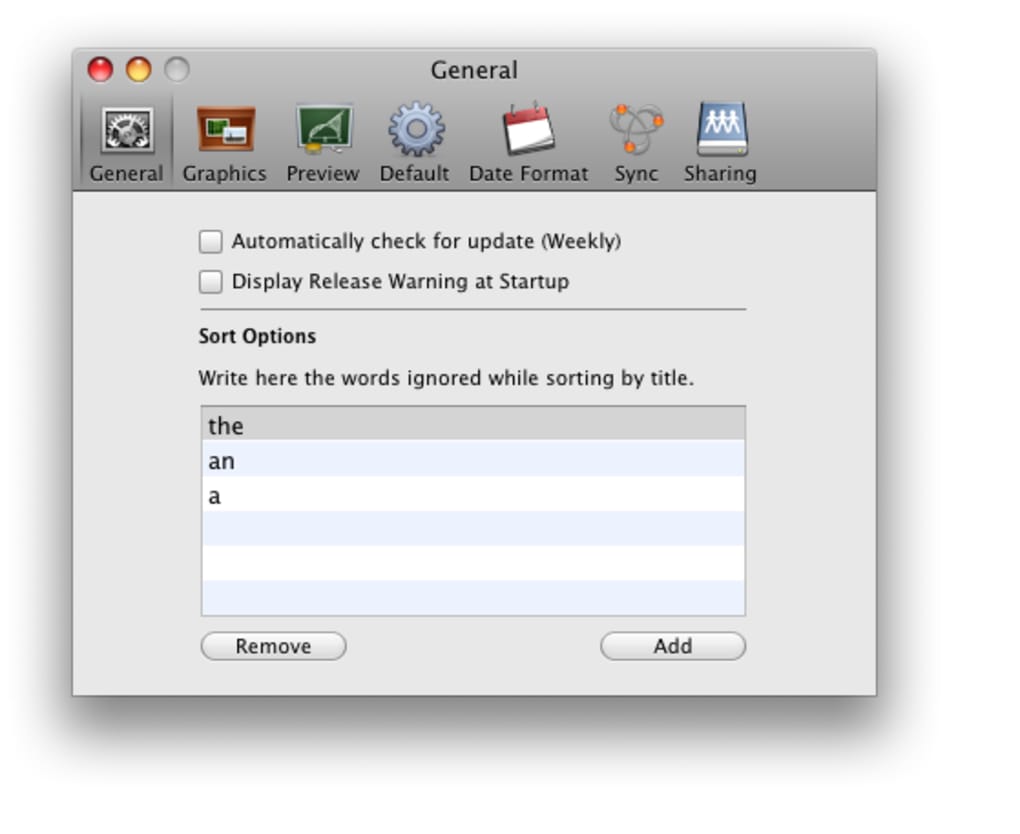
Once installed, the onboarding wizard walks you through three simple steps: (1) import an existing CSV or XML export from another cataloging program, (2) connect to your preferred online database API key (Amazon Affiliate, Google Books, etc.), and (3) set up your first library. You can also skip the wizard and explore the empty interface; adding a book is as easy as clicking the “+” button, typing the title, and letting Book Hunter fetch the rest. The app’s preferences panel offers granular control over sync intervals, default cover resolution, and whether to auto‑update metadata in the background. For users who prefer a more manual approach, you can disable automatic online lookups and enter data yourself. Throughout the usage experience, Book Hunter provides helpful tooltips and a searchable help center, ensuring that even first‑time catalogers can become proficient within minutes.
Pros, Cons, FAQ & Final Verdict
Pros
- Intuitive, macOS‑styled UI that feels familiar on all platforms.
- Automatic online metadata retrieval saves hours of manual entry.
- Smart‑list folders keep collections dynamic and always up‑to‑date.
- Cross‑device syncing via iCloud, Dropbox, or WebDAV.
- Free core version with optional premium features for power users.
Cons
- Lacks advanced reporting and statistical analysis found in some high‑end catalogers.
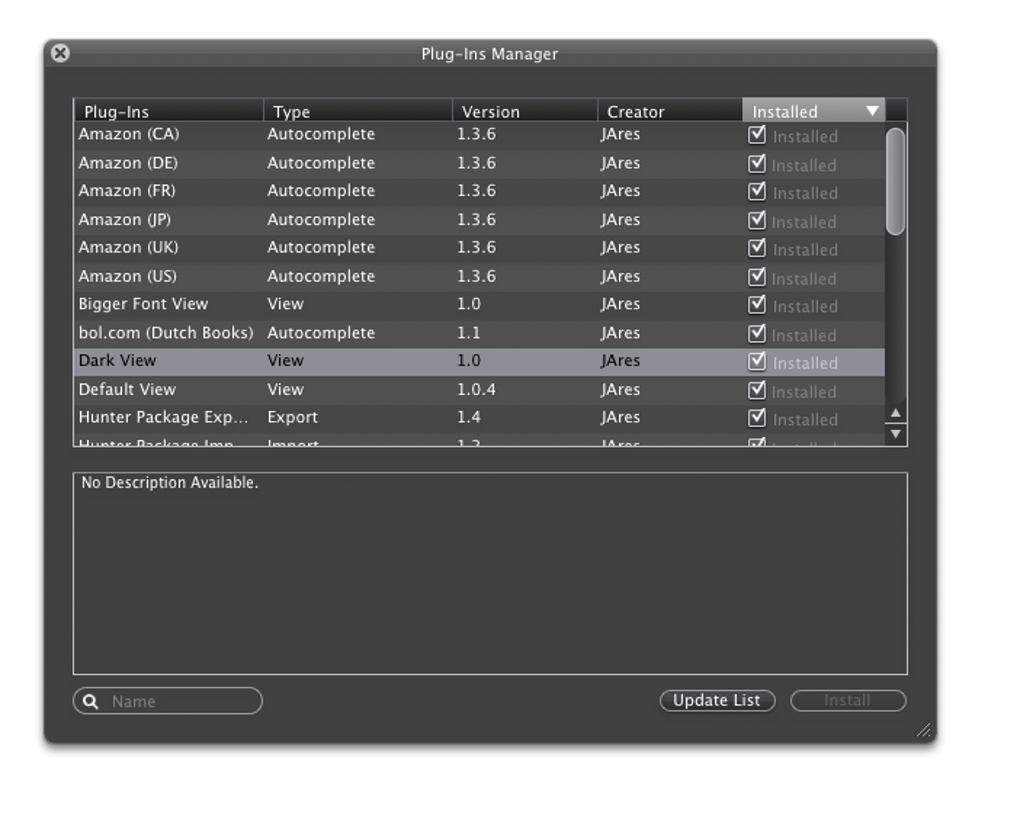
- Custom scripting or plug‑in support is not available.
- Mobile UI, while functional, is less feature‑rich than the desktop version.
Book Hunter delivers a surprisingly powerful cataloging experience for a free tool. Its automatic syncing and smart‑list capabilities make it stand out from other entry‑level apps. While it may not replace the deep analytics of premium software, it offers everything a casual reader or small‑scale collector needs to stay organized.
Frequently Asked Questions
Is Book Hunter available for Windows?
Yes, Book Hunter provides a native Windows installer that works on Windows 7 through Windows 11.
Can I sync my library between a Mac and an Android phone?
Absolutely. By using a cloud service such as Dropbox, iCloud, or WebDAV, Book Hunter keeps your catalog synchronized across macOS, Windows, iOS, and Android devices.
Does Book Hunter import data from other cataloging programs?
Yes, the app can import CSV, XML, and JSON exports from popular tools like Librarian Pro, Calibre, and Bookpedia.
Is there a limit to the number of books I can catalog?
No, the free version imposes no hard limit; you can catalog thousands of titles as long as you have sufficient storage on your device or cloud sync location.
How does the automatic update feature work?
Book Hunter uses the Sparkle framework to check for new editions or metadata changes online every 24 hours (configurable). When an update is found, the relevant fields are refreshed without overwriting your personal notes or tags.
Conclusion – Why You Should Download Book Hunter Today
In the crowded world of book‑cataloging software, Book Hunter manages to strike a balance between elegance and functionality. Its automatic online linking, smart‑list folders, and seamless cross‑platform syncing give you a living, breathing library that adapts as your reading habits evolve. While power users may miss some deep‑dive analytics, the core feature set is more than enough for the vast majority of readers, students, and small‑scale collectors.
The free version already offers a polished experience; a modest premium upgrade unlocks additional themes and advanced sync options for those who need them. If you’ve been searching for a reliable, secure way to keep track of the books you own, the ones you’ve read, and the titles you still dream of holding, Book Hunter is ready to become your digital bookshelf. Click the download button below, install on your preferred device, and start organizing your literary world with a tool that truly understands the joy of reading.







